
What EZ Invoices does
Invoices, job photos, change orders, and payments in one place
Built for contractors who would rather be on the job than at a desk. You build the invoice on your phone, the customer pays from a link, and the record of the job stays attached to the bill.
Ahead of a blank invoice
Your trade, the photos, and the change order start on the job. A typical app makes you rebuild that in the office.
The customer does almost nothing
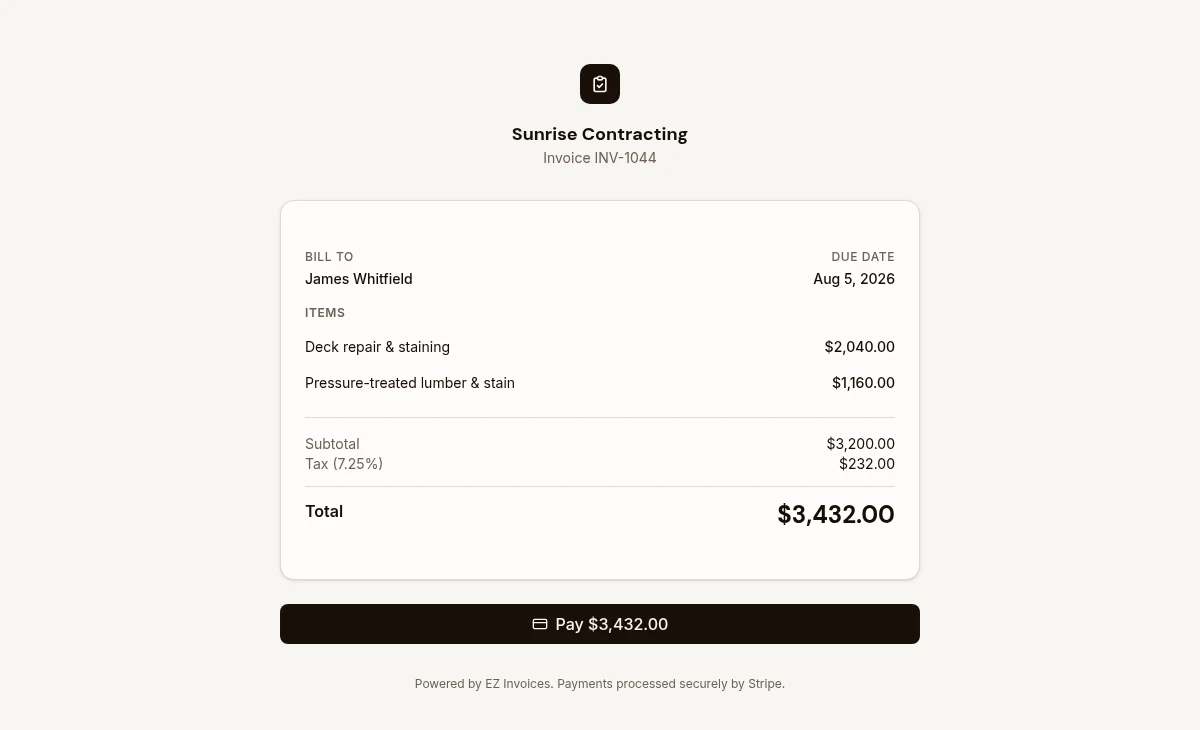
They tap a link and pay. No portal, no account, no app to download.
Honest about the limit
No bookkeeping, no payroll, no QuickBooks sync. Invoicing and getting paid, on purpose.
Invoice templates for your trade
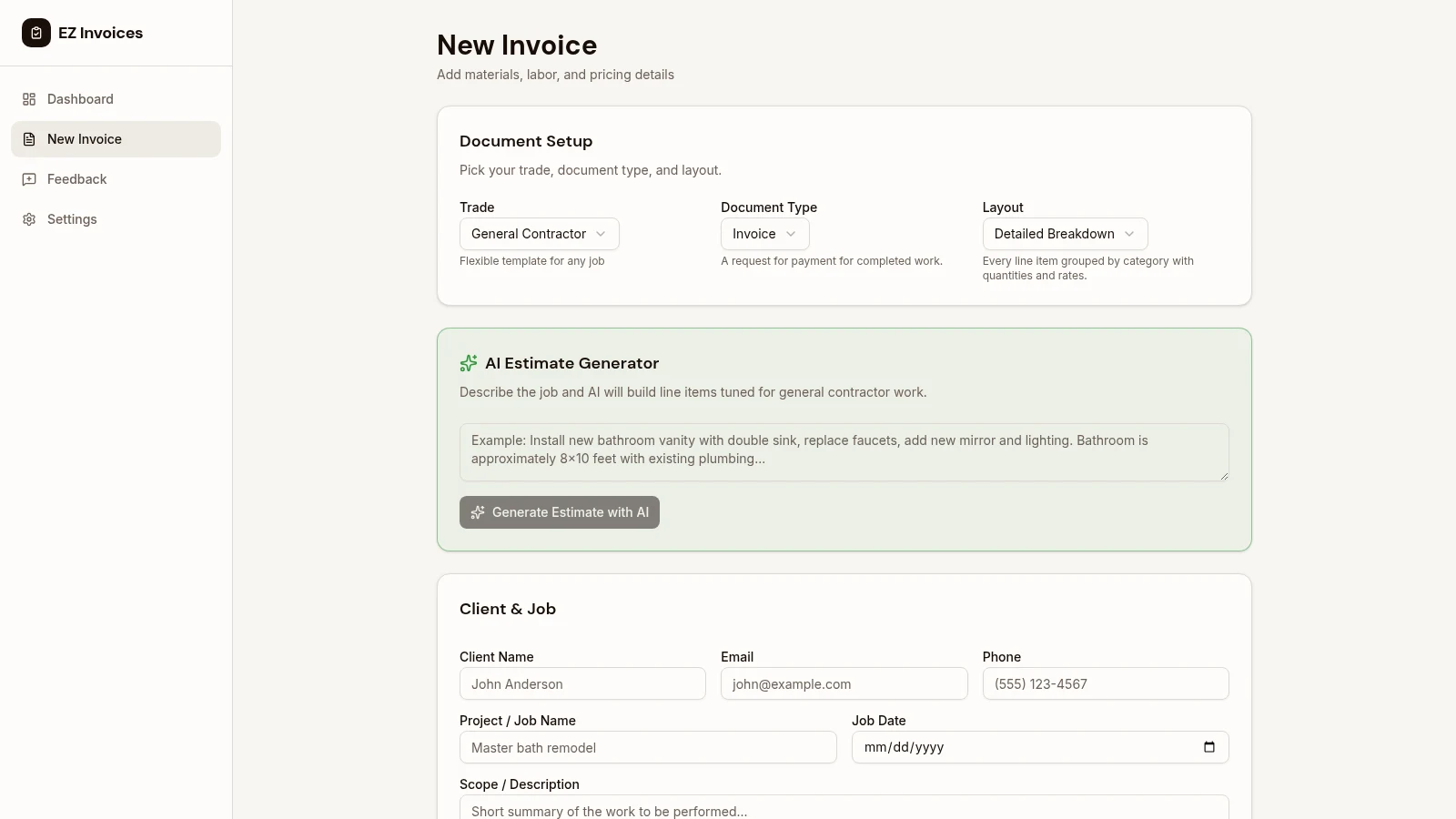
Pick from 12 trades and starter lines load, so you are not staring at a blank page in the driveway. Labor, materials, and other charges stay on separate rows, with quantity and price. Send an estimate first. When the customer says yes, convert it to an invoice without retyping the job.
- Starter lines for 12 trades
- Estimate converts to an invoice
- Labor and materials stay separate
- State sales tax on the bill
Job photos on the invoice
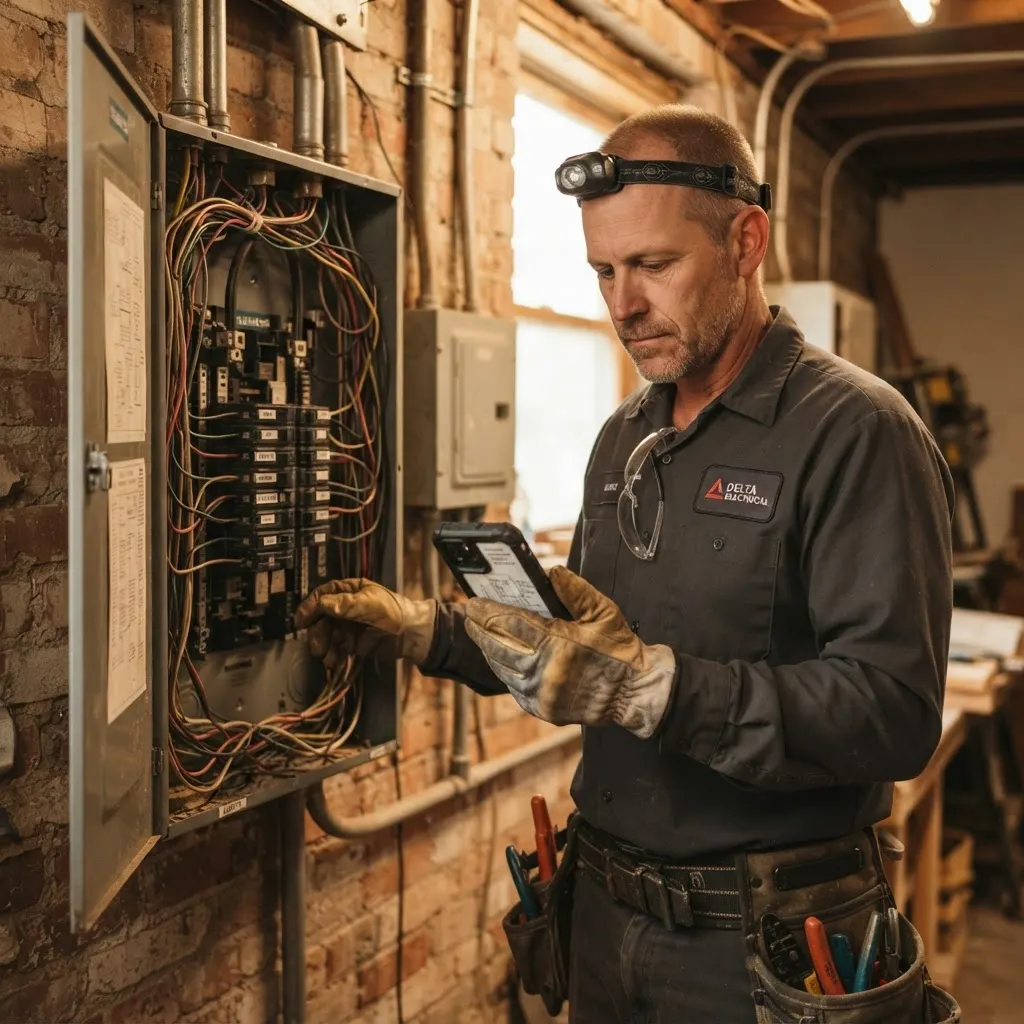
Take the shots while you are still on the job. Mark each one before, during, or after, and attach the ones the customer should see. On the invoice and the pay page, a before and an after sit side by side. Photos you do not attach stay off the customer copy, so a camera roll is not your filing system.
- Label each photo
- Attach only what they should see
- Before and after, side by side
- Stays with the job
Change orders the customer approves
Write the change: what it is, the labor, and the materials. The customer approves or declines on the same pay page. If they approve, the amount is added to the balance due. If they decline, that work stays off the bill. You are not explaining a second invoice later.
- Customer approves or declines
- Approved amount updates the balance
- Photos can go on the change
- Attached to this job
Deposits and progress payments
Split a larger invoice into stages. Each stage has an amount and a status: not due yet, due now, or paid. The customer pays the stage that is due from the same link, so you are not fronting materials for weeks or sending three invoices for one job.
- Deposit before you buy materials
- Progress while the job is open
- Final when the work is done
- One link for every stage
Customers pay by card from a link
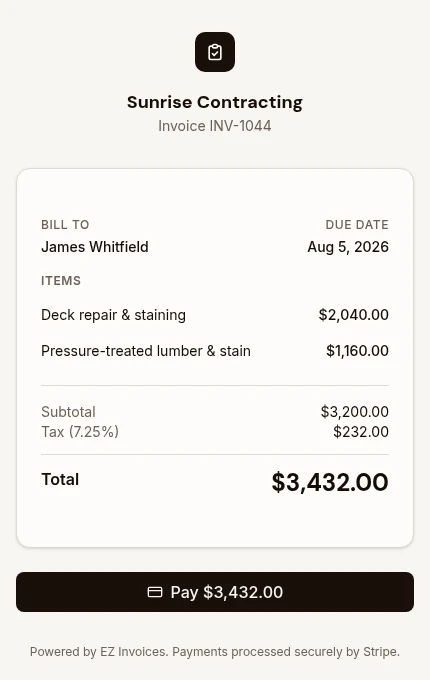
Email the invoice, or text a pay link. The customer opens one page. No account and no app. Card payments run through Stripe once your bank is connected, on Pro and Business. If you want a check, cash, or a transfer, write those instructions on the invoice instead. Stripe deposits to your bank on its normal schedule. EZ Invoices does not take a cut of the payment.
- Email on every plan
- Text the link on Pro and Business
- Card payments on Pro and Business
- Check, cash, or your own instructions
Tools that show up when the work gets bigger
Free covers the invoice. Pro adds card payments, texts, photos, change orders, deposits, and your logo. Crew, reports, and the Tax Center are Business.
EzCollect follow-ups
On Pro and Business, write the reminders once and pick the days. EzCollect sends them until the invoice is paid, and stops when it is.
Built-in material markup
On Pro and Business, materials can carry a markup. The customer sees the price. You can see what the line cost you.
AI drafts your line items
On Pro and Business, describe the job and AI drafts line items. Nothing is sent until you change what is wrong and save it.
Your logo on the invoice
Pro and Business can put your logo on the invoice and the pay page. A downgrade hides it. The file stays.
Hide prices from your crew
Business plans can invite a crew. A manager has the same access you do. A supervisor can build the job and never sees prices. An employee sees the job, not the money.
Reports and a Tax Center
Business plans get profit after materials on paid invoices, plus a place to store a sub's W-9 and print a 1099-NEC for your accountant. It is not filed with the IRS, and it is not bookkeeping.
Ready to stop taking paperwork home? Create your first invoice free.
Our advantages over the competition
The basics every invoicing app has, plus the contractor tools the others leave out, cost extra for, or bury in complicated software.
Swipe to compare
Competitors are general types of apps, not specific products, and features vary from app to app. Job photos, change orders, and deposits are on Pro and Business.
Next step
See what each plan includes
Start free with 5 invoices a month. Upgrade when you need card payments, photos, or your crew.